Training that remembers
Log sets, reps and load. Your previous performance is there when the exercise comes back around.
SEQD brings training, progression and nutrition into one focused system built for everyday gym users — with the core training app free.
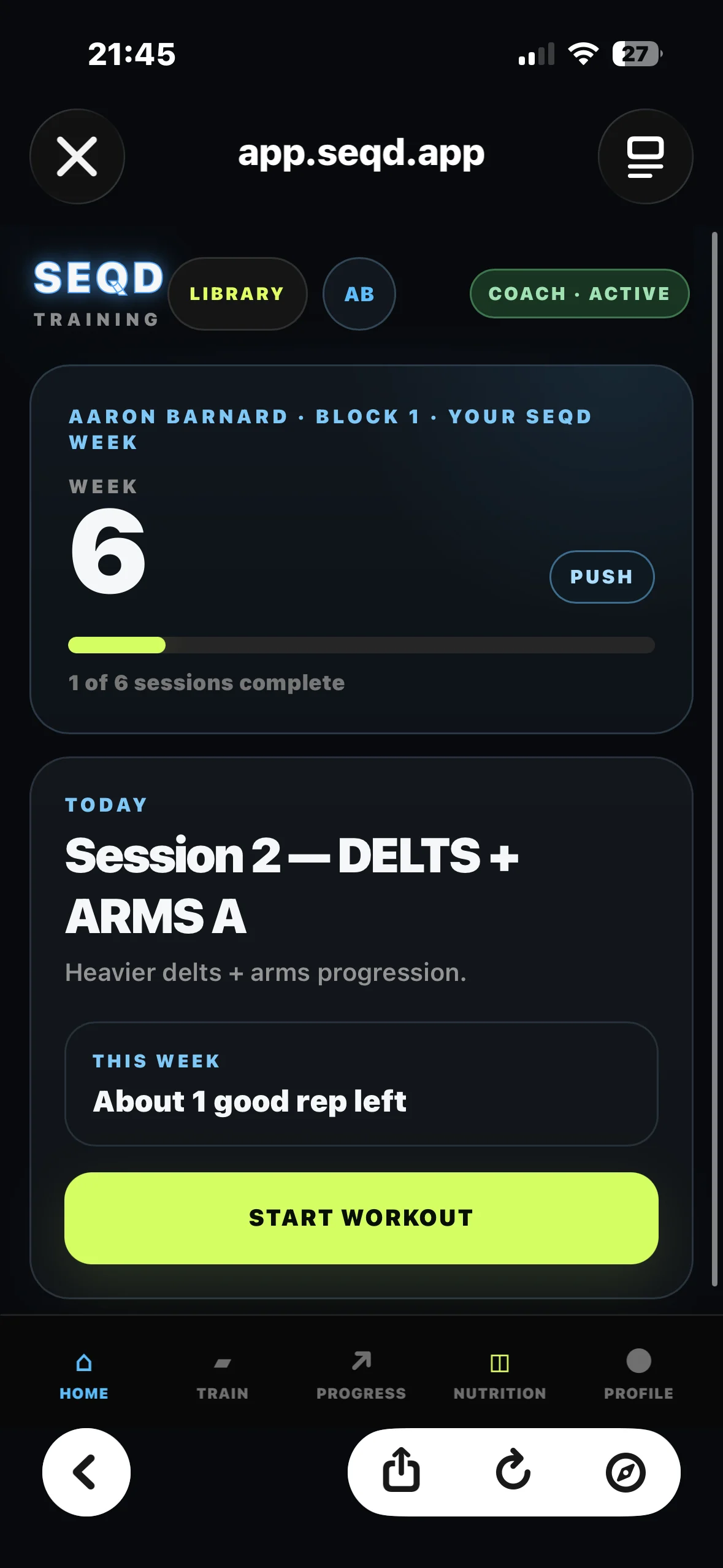
SEQD keeps the last session, the current target and the wider training block connected so you can stop guessing.
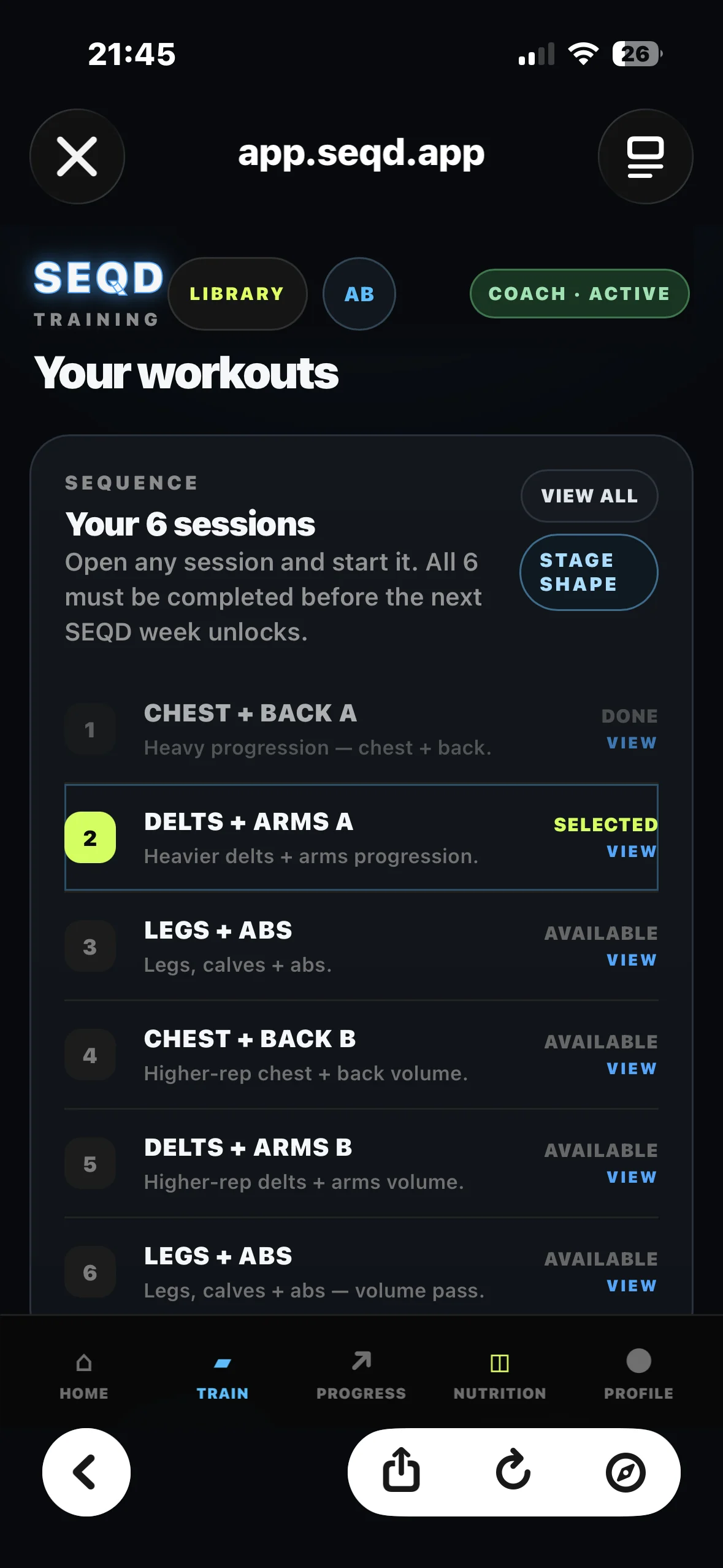
Log sets, reps and load. Your previous performance is there when the exercise comes back around.
PREVIOUS PERFORMANCE 28 kg × 8
Track completed sessions, training weeks and performance trends without relying on memory or scattered notes.
Keep calories, protein and nutrition context close to the training data they support.
SEQD Coach can use your recent training context to help you review what is happening and what needs attention.
Choose the session order that fits your week while SEQD keeps track of what is complete and what remains.
Rest days, equipment alternatives, live set logging and training history are part of the same flow.
The app is designed around repeatable training, visible performance and decisions based on what you actually did — not what you think you did.
Explore the demo →Illustrative progression · increase when your performance supports it.
Log workouts, follow your split, track progression, use exercise alternatives, review history and keep your training moving forward. No trial countdown and no required training subscription.
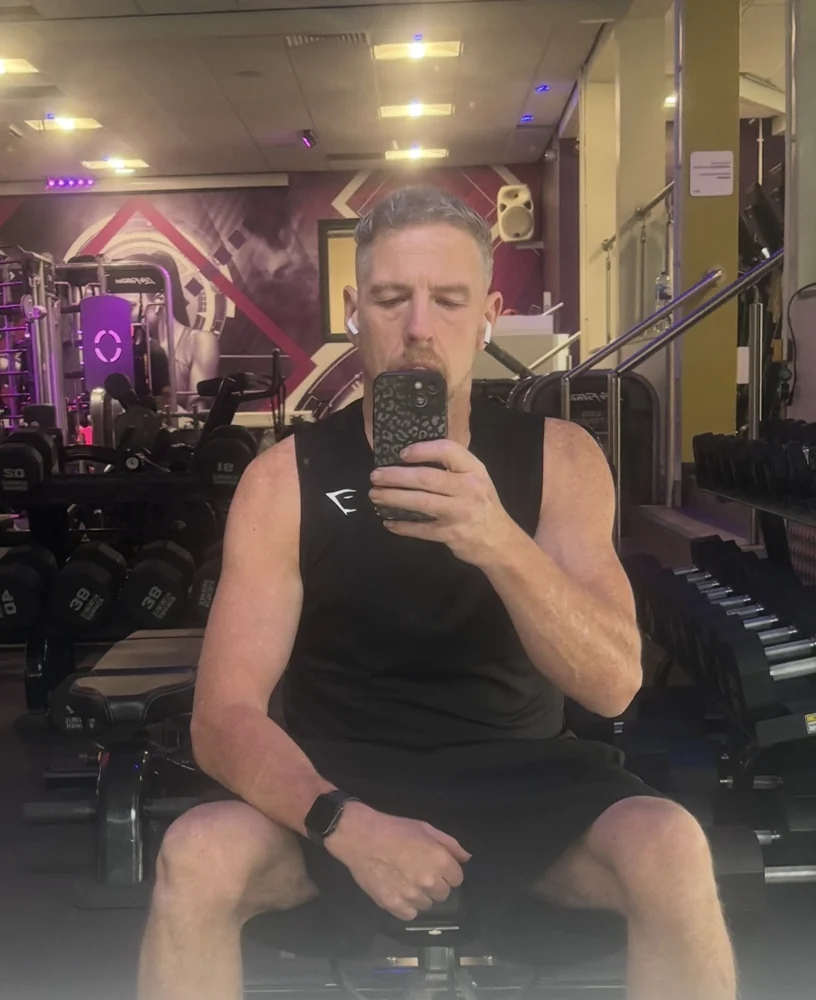
I'm Aaron, the founder of SEQD. I lost the weight. Now I'm building muscle — and the app I use along the way.


We’re open to selected partnerships across gyms, nutrition, equipment, recovery and performance technology.
Know what you did. Know what’s next.